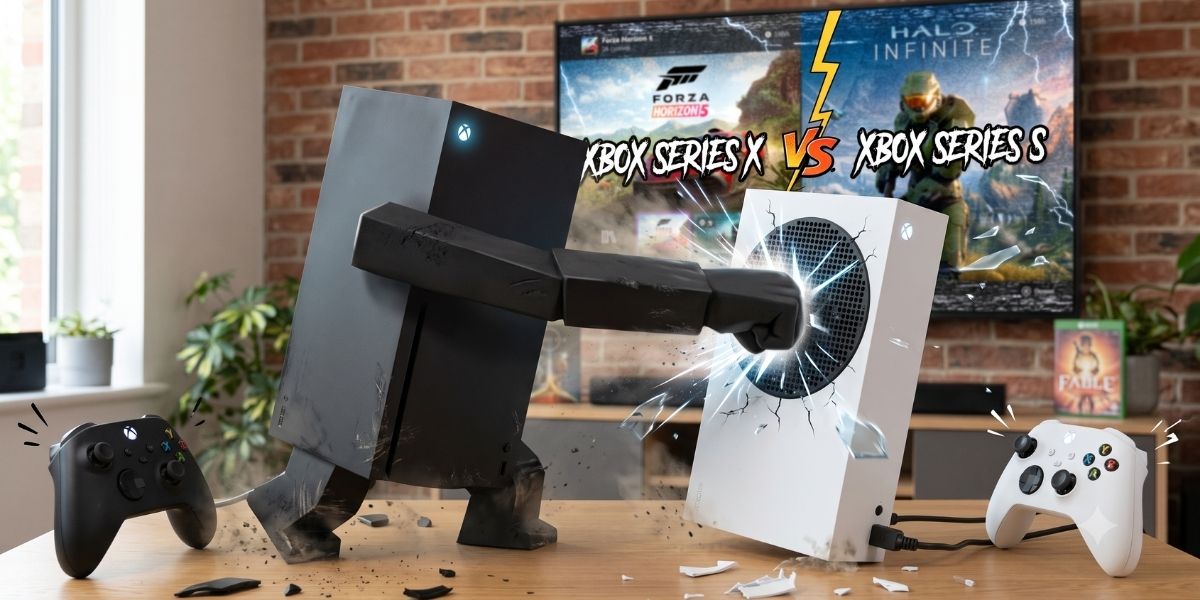
The XBOX Series X vs Series S question has been running since both consoles launched, and in 2026 the answer still isn't "just buy the expensive one." Microsoft designed these as two genuinely different machines for two genuinely different players, and picking the wrong one for your situation wastes either money or performance. Both are bad.
So here's the honest breakdown: what each console actually does, where the gap matters, where it doesn't, and which side of the XBOX Series X vs Series S divide you belong on. No spec-sheet theater. Just the information that changes which one you put in your cart.
The Specs That Actually Matter
Numbers first, context after:
XBOX Series X: 12 teraflops GPU, 16GB RAM, 1TB SSD, disc drive, targets 4K at 60fps (sometimes 120fps), full backward compatibility with physical and digital games.
XBOX Series S: 4 teraflops GPU, 10GB RAM, 512GB SSD (expanded to 1TB in the updated model), no disc drive, targets 1440p at 60fps (sometimes 120fps), backward compatibility for digital games only.
The raw power difference is significant: the Series X has roughly three times the GPU performance of the Series S. But raw power and real-world experience are different conversations, which is where most XBOX Series X vs Series S comparisons fail the reader.
Performance: Where the Gap Shows and Where It Doesn’t
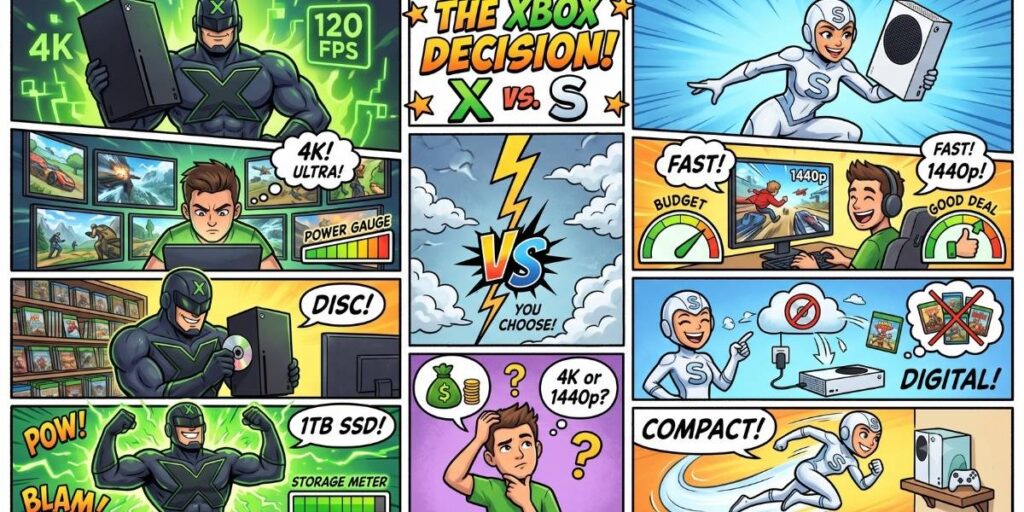
Resolution is the biggest visible difference. The Series X renders most games at native 4K or dynamic 4K, which on a large 4K TV looks noticeably sharper than the Series S's 1440p (or sometimes 1080p) output. On a 1080p TV or a monitor under 32 inches, the resolution difference is marginal to invisible because your display can't show the extra pixels anyway.
Frame rates are closer than the specs suggest. Both consoles target 60fps in most modern titles, and both hit it most of the time. The Series S occasionally drops to lower frame rates in demanding scenes or drops its resolution dynamically to maintain the frame rate, but the days of the Series S struggling to run current games are largely behind it. Performance mode (which prioritizes frame rate over resolution) runs nearly identically on both consoles for most titles.
Ray tracing is where the Series S concedes. The Series X handles ray tracing (realistic lighting and reflections) in supported titles with minimal performance cost. The Series S either runs ray tracing at reduced quality or doesn't offer it at all in some games. If ray tracing matters to you (and honestly, in most games it's a subtle improvement rather than a transformative one), the Series X is the only option.
Load times are effectively identical. Both use NVMe SSDs with the same architecture, and the real-world loading difference between them is negligible. This was the Series S's biggest win at launch and it remains one: the budget console loads games as fast as the premium one.
Storage: The Series S’s Real Problem
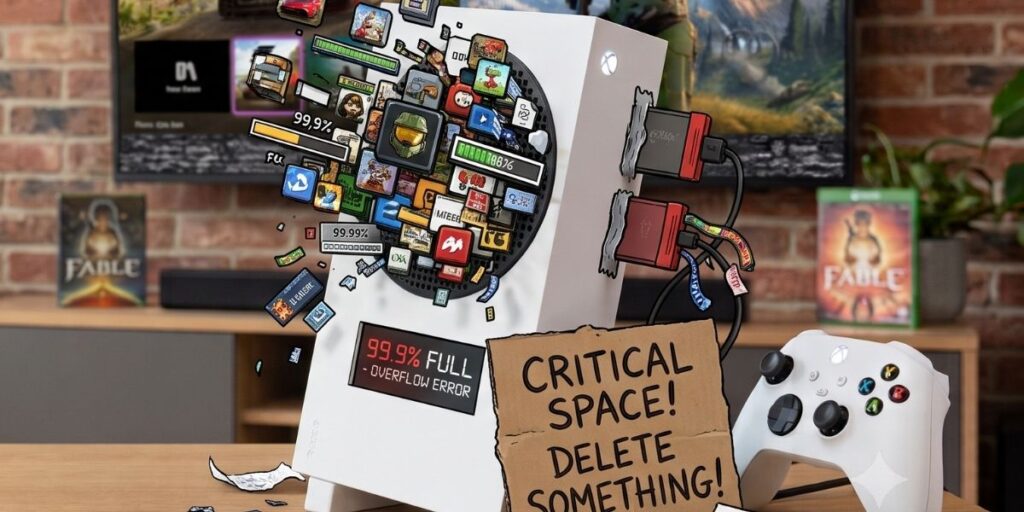
This is where the XBOX Series X vs Series S comparison gets uncomfortable for the cheaper console. Modern games are enormous: a single installation of a AAA title can run 80-150GB. The original Series S shipped with 512GB, which after system software left roughly 364GB of usable space, enough for maybe three to five major games.
The updated 1TB Series S model doubled this, which helps, but the Series X's 1TB (with more usable space due to different system overhead) is still more comfortable, and both consoles benefit from the Seagate Expansion Card (which costs roughly the price difference between the consoles, a detail worth noting).
The practical reality: Series S owners manage their storage actively, installing and uninstalling games regularly. Series X owners do the same, just less often. Neither console has "enough" storage for someone who wants their entire Game Pass library downloaded. The difference is how frequently you hit the wall.
The Disc Drive: More Than Physical Games
The no-disc-drive choice on the Series S saves money and shelf space, but the tradeoffs extend beyond game discs:
No used game market. You cannot buy, borrow, or resell physical games. Every purchase is digital, at digital prices, which are often higher than physical equivalents (especially for older titles where used physical copies drop to $10-15 while digital stays at $30-40).
No Blu-ray player. The Series X doubles as a 4K Blu-ray player. The Series S doesn't play any physical media. If you still buy or rent physical movies, this matters.
No backward-compatible disc games. The Series X plays original XBOX and Xbox 360 discs from your collection. The Series S only plays backward-compatible titles purchased digitally. If you have a shelf of 360 games, the Series S can't touch them.
Game Pass: Where the Gap Disappears
Here's the equalizer, and the reason the XBOX Series X vs Series S conversation is fundamentally different from any previous console generation's "pro vs base" debate: both consoles access the exact same Game Pass library. Same games, same day-one releases, same catalog. The Series S runs them at lower resolution, but it runs all of them.
This matters because Game Pass changes the economics of console ownership. If your primary gaming model is "subscribe and download" rather than "buy physical copies," the disc drive advantage of the Series X becomes irrelevant and the price difference becomes the only meaningful variable.
So Which XBOX Console Should You Actually Buy?
Buy the Series X if:
You own a 4K TV and care about visual fidelity. The resolution advantage is real and visible on the right display. You want a disc drive for physical games, used game savings, backward compatibility with your old library, or Blu-ray movies. You play graphically demanding titles where ray tracing and maximum detail matter to your experience. You want to minimize storage management (though you won't eliminate it).
Buy the Series S if:
You play on a 1080p TV or a smaller monitor where 4K resolution is invisible. You're fully digital already and haven't bought a physical game or disc in years. You're budget-conscious and the savings (both on the console and on not needing a 4K display) matter more than maximum visual quality. You're buying a second console for a bedroom, dorm, or travel setup. You're a Game Pass subscriber first and a game buyer second.
The setup that nobody talks about but many people run: a Series X on the living room 4K TV for primary gaming and a Series S in the bedroom for the same library, same saves (cloud sync handles it), different room. Microsoft designed the lineup for exactly this, and it works better than owning two of the same console.
The Takeaway
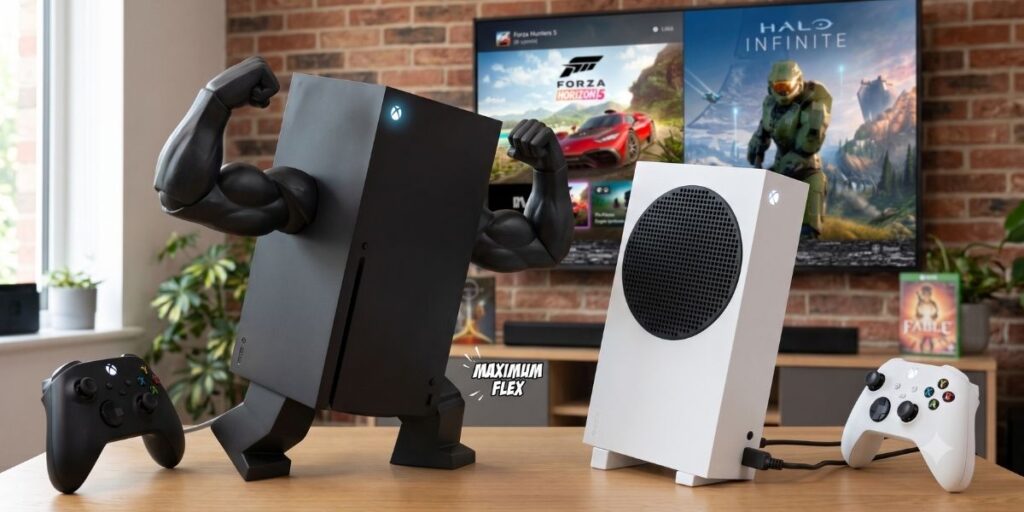
The XBOX Series X vs Series S decision comes down to three honest questions: what display are you playing on, do you care about disc media, and does the price difference change what else you can afford? The Series X is the better console. The Series S is the better value. Neither is the wrong choice if you match it to your actual setup rather than your aspirational one.
Buy for the TV you own, not the one you might buy someday. The games are the same on both.

AKA VoltHound. Leads Game Pass coverage, hardware reviews, and cross-platform comparisons. Reviews built on mechanics and value over story (the opposite of Micah, which is why they work). Has uninstalled a game mid-cutscene. Twice. Will do it again.Leads Game Pass coverage, hardware reviews, and cross-platform comparisons. Reviews built on mechanics and value over story (the opposite of Micah, which is why they work). Has uninstalled a game mid-cutscene. Twice. Will do it again. Learn More About Nico